

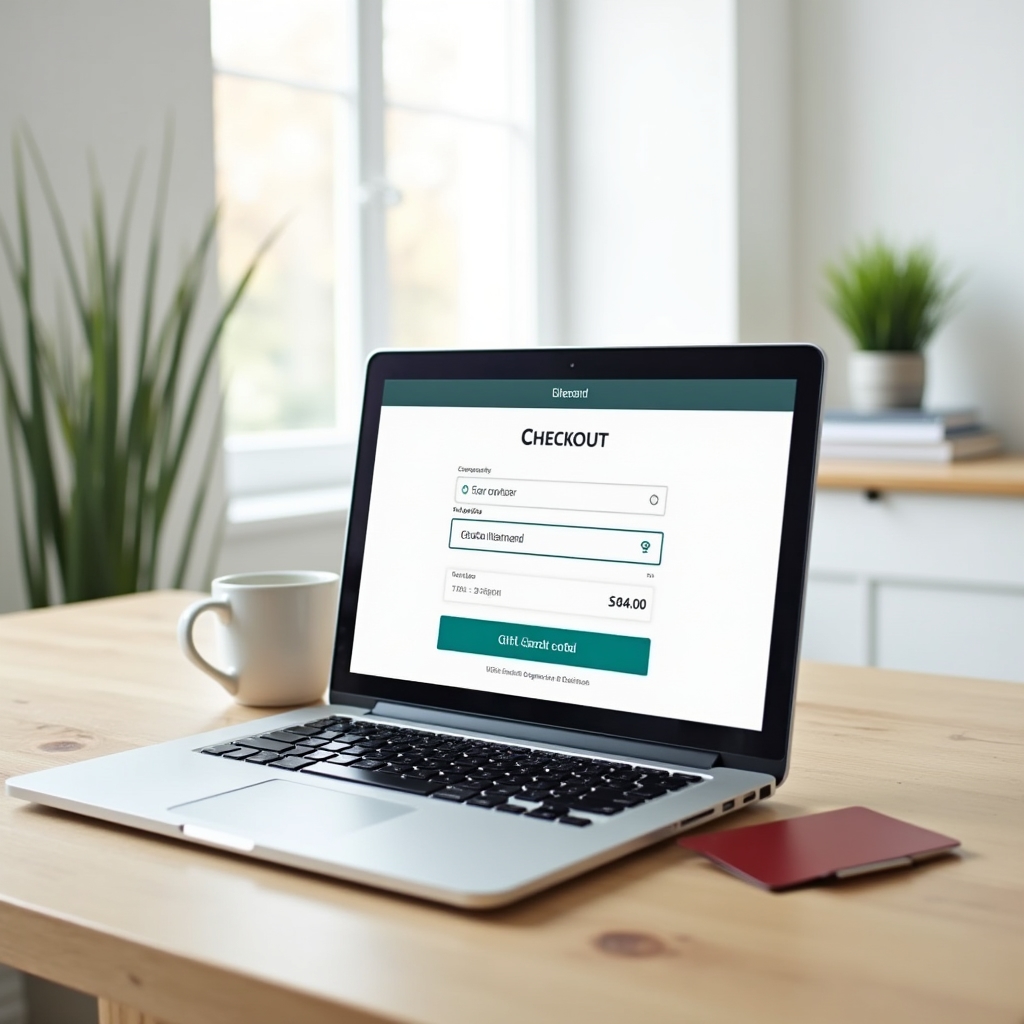

Standard Online Checkout
Most major retailer websites provide a dedicated gift card field at checkout — typically on the payment page, separate from credit card fields. The process follows a consistent pattern regardless of retailer:
- Proceed to checkout and select your items.
- On the payment page, look for a "Gift Card," "Promo Code," or "Store Credit" section. It is usually positioned above or beside the credit card entry form.
- Enter the card number (printed on the front or back, typically 16–19 digits) and the PIN (usually 4–8 digits, located under the scratch-off panel on the back).
- Click "Apply" or "Check Balance" — the checkout summary should update to reflect the amount applied.
- If the gift card covers the full order total, no additional payment is required. If it covers only part, select a second payment method for the remainder.
Check your balance first. Before entering a gift card at online checkout, verify its current balance using the retailer's balance-check tool. An unexpected partial balance is much easier to manage when you know the number in advance.
Managing Partial Balances Online
When a gift card's remaining balance is less than your order total, you need to split the payment. Online checkout handles this differently from in-store:
Standard Split Payment
Enter the gift card in the gift card field, apply it, then enter your credit or debit card in the standard payment field. Most major platforms support this automatically. The gift card value is deducted first; the remainder is charged to the secondary method.
When Split Payment Is Not Offered
Some smaller retailers or platforms do not support split tender online. In this case you have three options: (1) reduce the order total to match the gift card balance; (2) add another gift card or store credit to cover the difference; or (3) contact customer service to process the order manually. Shopping apps for major retailers generally support split payment more consistently than mobile-browser checkout.
Using Multiple Gift Cards
Many retailers allow you to stack multiple gift cards in a single order. Apply the first card and click "Apply," then look for the option to "Add another gift card." The system applies each card in sequence until either the balance is covered or you run out of cards to add.
Mobile App Checkout
Retailer mobile apps often provide the most seamless gift card experience because they can link a card to your account, eliminating the need to re-enter card numbers at every transaction.
Linking a Card to an Account
In the app's wallet or payment section, select "Add Gift Card" and enter the card number and PIN. Once linked, the balance appears alongside other payment methods. At checkout, select the gift card as your payment method; any unspent balance remains linked to the account for future purchases.
QR Code and Barcode Redemption
Some retailer apps generate a scannable barcode or QR code representing your gift card balance. This can be used both in-store and in the app at checkout. The cashier or scanner deducts the purchase amount directly from the linked balance. Ensure your screen brightness is sufficient for the scanner to read the code accurately.
Do not screenshot gift card barcodes and share them. Once someone has the barcode, they can redeem the balance. Treat your digital gift card display the same way you would treat a physical card — do not share screenshots with unverified parties.
Digital Wallets and Stored Value
Major mobile payment platforms handle gift cards differently from credit and debit cards. Support varies by issuer and wallet platform:
Wallet-Native Gift Cards
Some retailers allow you to add their gift cards directly to your phone's digital wallet, where they appear as a pass with a current balance. Tap-to-pay with these passes works at NFC-enabled terminals that accept the retailer's cards.
Virtual Card Numbers (Open-Loop)
Open-loop network-branded gift cards can sometimes be added to digital wallets as virtual cards, allowing them to be used for contactless in-store payments or online checkout wherever the network is accepted. Not all open-loop gift card issuers support this — check the card's terms or the issuer's website for compatibility.
Online Security for Gift Cards
Gift card fraud is disproportionately prevalent in digital environments because cards can be drained remotely the moment a criminal has the number and PIN. Protective practices include:
- Redeem promptly. The sooner you use a gift card's balance, the shorter the window for fraud to occur.
- Register the card. Where an issuer offers registration (linking the card to an email address), do so. This is sometimes the only mechanism for balance recovery if the card is compromised.
- Use official channels only. Enter gift card information only on the retailer's official website or app. Verify the URL before entering any card numbers.
- Beware of "gift card exchange" sites. Secondary-market gift card exchanges are outside the scope of this guide — if you use them, research the platform's fraud protections thoroughly before transacting.
- Monitor your balance. If you notice unexplained balance reductions, contact the issuer immediately and report the incident to the relevant federal consumer protection agency.